
ShapedPlugin Updates Hacked to Infect WordPress Sites
Popular WordPress plugin developer ShapedPlugin unwittingly distributed malicious software to its customers via its official update system in a major supply chain attack, putting thousands of sites at risk.
What Happened
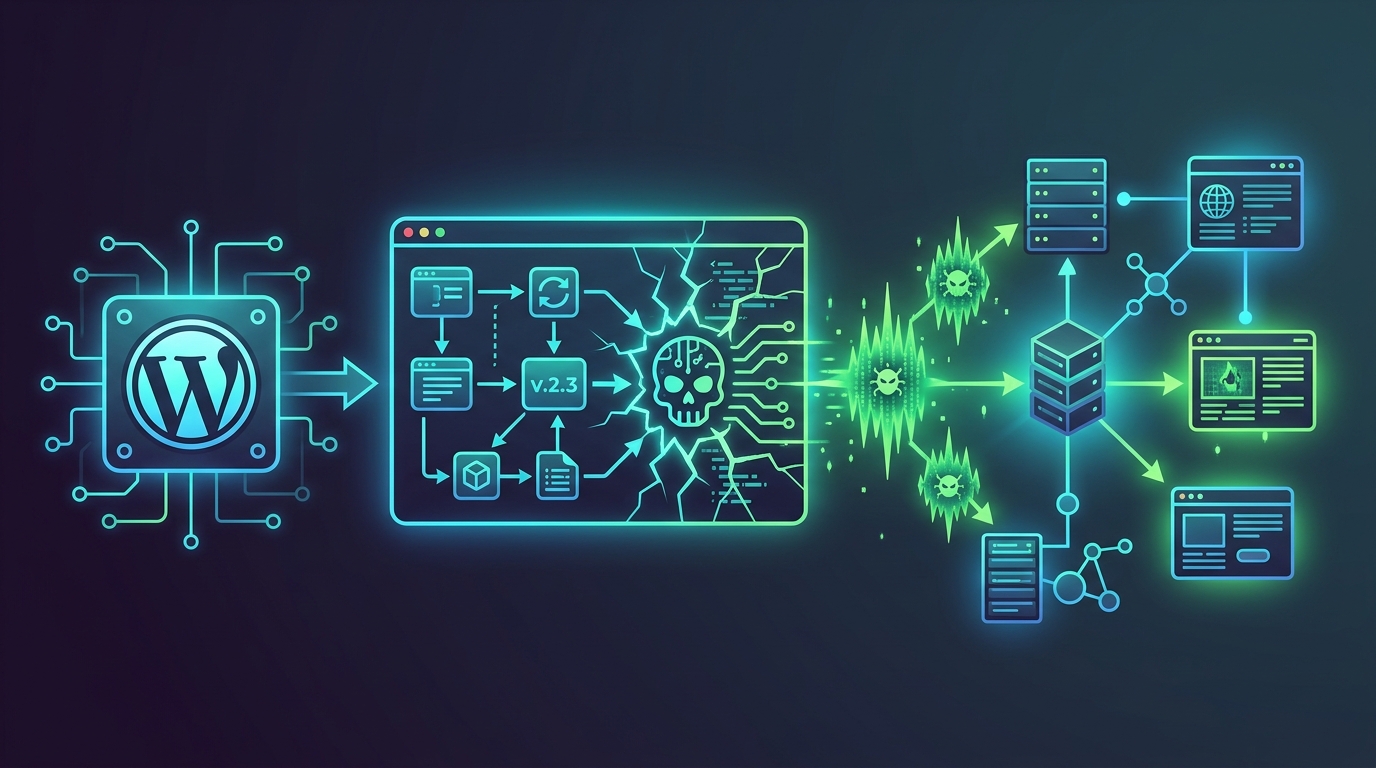
The WordPress ecosystem has been shaken once again by an attack originating from a trusted source. On June 18, 2026, popular plugin developer ShapedPlugin announced that several of its premium plugins had fallen victim to a supply chain attack. Attackers compromised the company's official update infrastructure to distribute infected plugin updates to paying customers. This situation pushed thousands of site owners, who were trying to stay safe by keeping their plugins updated, to unknowingly install a backdoor on their own sites.
There's a reason these types of attacks are called "supply chain attacks." Just as a faulty part on a production line can affect the entire product, in the software world, a compromise of a developer's infrastructure makes all of that developer's customers direct targets. Users implicitly trust and install updates from a source they believe to be legitimate—the plugin developer themselves. Attackers exploit this very relationship of trust. This is exactly what happened in the ShapedPlugin case. Instead of hacking thousands of websites one by one, the attackers achieved a much broader impact by targeting the source: the plugin distribution system.
The incident was uncovered by security researchers at Patchstack. The researchers noticed suspicious and obfuscated code snippets in the updates for some of ShapedPlugin's popular plugins. Analysis of this code revealed that it contained a backdoor that would allow attackers to gain full control over the websites. This backdoor enabled attackers to create new administrator accounts on the site at will. This is equivalent to handing over the keys to the site directly to the attacker. The very act of "updating" to stay secure became the biggest vulnerability in this attack.
What Data Was Compromised
According to the source report, it is not yet clear whether the attack led to a direct data breach. However, given the nature of the attack, the potential consequences of the control gained are severe. The backdoor planted by the attackers allows them to create new users with the highest privilege level, "administrator," on affected WordPress sites. Having administrator privileges on a WordPress site means having complete control over it.
What can an attacker do with this level of access? Here are the potential scenarios:
- Steal User Data: Personal information of all registered users (email addresses, names, perhaps even addresses and phone numbers) could be stolen. If the site is an e-commerce platform, customer orders and sensitive information are also at risk.
- Content Manipulation: They could add fake content to the site, modify existing posts, or delete them entirely. This could damage the site's reputation or cause lasting harm to its SEO (Search Engine Optimization) efforts.
- Malware Distribution: They could use the site to infect innocent visitors with viruses or ransomware. The site could instantly become a distribution hub under the attackers' control.
- Phishing Campaigns: Leveraging the site's credibility, they could create fake forms and pages to steal sensitive data from users, such as login credentials or credit card details.
- Spam and SEO Poisoning: They could insert irrelevant links into the site to promote their own scam websites. This could lead to penalties from search engines and get your site blacklisted.
In short, while no direct data breach has been reported, the compromise of an administrator account carries the potential for "everything" to be compromised. Therefore, affected site owners must not only remove the backdoor but also conduct a thorough investigation for any unauthorized activity on their sites.
How Did the Attack Happen
The technical details of the attack highlight just how insidious supply chain attacks can be. The attackers managed to infiltrate ShapedPlugin's official update and distribution infrastructure. How this breach occurred has not yet been disclosed by the company, but its consequences are clear.
Once they gained access to the system, the attackers injected their malicious code into the targeted premium plugins. They were very careful in this process. The code they added was obfuscated to avoid immediate detection. Functions like `base64_decode` and `gzuncompress` are often used to make the code difficult to read. This helps them evade automated security scanners and superficial code reviews.
When users saw an update notification in their WordPress dashboards, they approved the process, assuming it was a legitimate developer update. Once the update was complete, the malicious code was embedded within the site's files. Specifically, it was found that the attackers created a file named `w-sam.php`. This file contained the actual backdoor code.
This `w-sam.php` file lies dormant, waiting for a specific command from the outside. The attackers can trigger this file at any time to create a new administrator user for themselves on your site. This method allows the attackers to remain in the system for a long time without being noticed. Since they are not attempting to guess usernames or passwords, they also bypass brute-force attack detection systems. In essence, their strategy was like planting a spy inside and waiting for them to open the door from within.
Who Is Affected
This attack does not target all of ShapedPlugin's users, but a specific segment. Understanding this distinction is crucial to determine if you are at risk.
Who is affected:
- Users who have purchased premium (paid) plugins from ShapedPlugin.
- Those who updated these plugins during the period of the attack.
Who is NOT affected:
- Users of the free versions of ShapedPlugin's plugins available on the official WordPress.org repository. The attack targeted ShapedPlugin's own private update system, not the WordPress.org infrastructure, so free version users are safe.
According to the announcement by Patchstack, the plugins confirmed to have distributed infected updates are:
- Real-time Recent Post Slider
- WP Team
- WP Team Pro
- Logo Carousel Pro
- Easy Testimonial Pro
- WP Carousel Pro
- Smart Post Show Pro
If you are using the Pro (premium) version of any of these plugins and have recently performed an update, your site is likely at risk. You need to take immediate action.
What You Can Do
If you are using one of the premium plugins listed above on your site, you need to act quickly but without panic by following these steps:
- Update Immediately: After learning of the attack, ShapedPlugin quickly released clean versions. The first thing you should do is go to your WordPress admin dashboard and update these plugins to their latest, secure versions. This will remove the malicious code from your site.
- Perform a Manual File Check: Even after updating, you should check your site's file system to ensure the attackers haven't left any other traces behind. Use the File Manager in your hosting panel (cPanel, Plesk, etc.) or an FTP client to inspect your site's root directory and plugin folders. Specifically, look for a file named `w-sam.php`. If you find this file, delete it immediately.
- Audit User Accounts: In your WordPress admin dashboard, go to the "Users" section. Carefully review all users, especially those with the "Administrator" role. If you see any administrator accounts you don't recognize or that look suspicious (e.g., with strange email addresses), delete them immediately.
- Change All Passwords: As a precaution, change the passwords for all administrator and editor accounts on your site. It is also highly recommended that you change your hosting panel, FTP, and database passwords as well.
- Run a Security Scan: Install a reputable security plugin like Wordfence or Sucuri Security on your site and perform a full scan. These tools can help you detect other malicious files or code changes that might have been missed, besides `w-sam.php`.
What the Company Is Saying
Following the news, ShapedPlugin issued a statement to its customers. The company confirmed the attack and stated that they had immediately released clean updates for the affected plugins. They strongly urged their customers to update their plugins to the latest version.
The company also stated that they have launched an investigation to determine the root cause of this security breach and are taking steps to strengthen their infrastructure security to prevent similar incidents in the future. Such events are a major test for software developers, both technically and in terms of reputation. While the company's quick release of clean updates is a positive step, it will take time to regain user trust. This incident is another reminder that 100% security does not exist in the digital world and that even the most trusted sources can become targets. Keeping up with the latest Data Breach News is the best way to stay prepared for such risks.
Source
This content was generated with AI assistance through our Argus Flow application. We are continuously working to improve Argus Flow; if you encounter any issues such as translation errors, incorrect sources, or unverified information, you can report them using the button below. We appreciate your feedback.