AVG Mobile Security A New Shield for iOS Against Threats
In response to growing mobile threats like scam calls, phishing attacks, and data breaches, AVG has showcased its Mobile Security app for iOS users. The application promises multi-layered protection.
What Happened
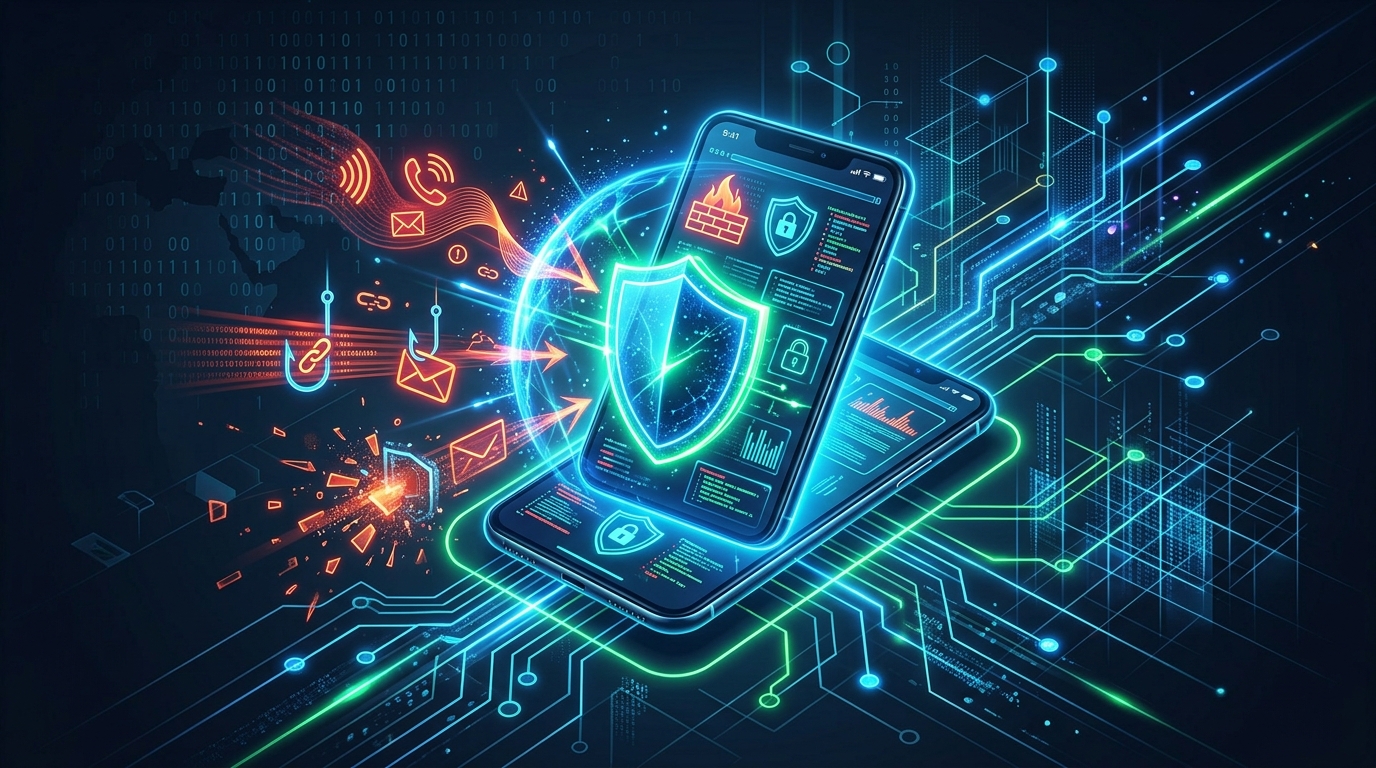
As mobile devices become central to our lives in the digital world, cyber threats continue to focus on this area. Scam calls, phishing messages aimed at stealing credentials, and data breaches that expose personal data are among the common risks faced by iOS users. In response to this threat landscape, AVG has brought its Mobile Security app for iOS to the attention of the cybersecurity world with a product showcase. The app, reviewed by Help Net Security, stands out as a comprehensive toolset aimed at protecting users against online threats.
Threats Protected By the App
AVG Mobile Security does not target a specific attack but rather the general threat vectors that mobile users may encounter in their daily lives. The main areas where the app provides protection are:
- Phishing and Malicious Websites: Attacks that aim to steal users' personal or financial information by directing them to fake or dangerous websites. The app's Web Guard feature aims to block such sites before they load.
- Scam Calls and Messages: The AI-powered Scam Guardian Pro module detects suspicious phone calls and scam SMS messages, alerting the user or blocking them directly.
- Data Breaches: The Hack Alerts feature monitors known data breaches where email addresses have been leaked. It checks if the user's account has been part of a leak and recommends a password change.
- Insecure Wi-Fi Networks: It creates an encrypted connection tunnel with its VPN service against the risk of data communication being monitored by third parties over public Wi-Fi networks.
- Physical Data Security: It offers an encrypted Photo Vault to protect sensitive photos stored on the device (ID, passport, private documents, etc.) against unauthorized access.
How the App Prevents Threats
AVG Mobile Security provides protection through several core modules. The initial Smart Scan, run after installation, identifies potential security risks on the device and guides the user. According to the review, the app's key features work as follows:
Web Guard and VPN
Web Guard helps users stay safe while browsing the internet. It provides a measure against phishing attacks and fake shopping sites by blocking dangerous websites before they even load. To function, this feature requires the installation of a VPN profile, as it works by filtering web traffic through a secure connection. The VPN feature, which is disabled by default, also ensures data privacy, especially on public Wi-Fi networks, when activated.
Scam Guardian Pro
This feature is divided into two parts: SMS Guard and Call Guard. SMS Guard uses artificial intelligence to detect scam and junk messages and automatically moves them to a scam filter. Call Guard identifies suspicious and scam calls. Users can choose whether to have such calls blocked automatically.
Hack Alerts
This module monitors an email address provided by the user against known data breaches. If an account associated with the email has been compromised, the app lists the affected accounts and recommends changing the passwords. The free version supports one email address, while the premium version supports up to five.
Photo Vault
Available in the app's settings menu, Photo Vault creates an encrypted space protected by a passcode. Biometric authentication methods like Face ID can also be enabled for easier access. Once the vault is created, users can securely store copies of their personal documents or private photos in this encrypted area.
Target Audience and Compatibility
The application primarily targets iOS users who want to take precautions against cybersecurity risks. However, AVG does not limit this security solution to iOS alone. The app also has versions for Windows, macOS, and Android platforms. This offers the possibility of centralized security management for individuals or families using different devices.
What You Can Do
The steps to use AVG Mobile Security are quite simple. According to the review, it has a user-friendly setup process:
- Download the app from the App Store.
- Run the Smart Scan that starts automatically on the first launch and review the security recommendations.
- Check the dashboard to see which security features are active and which still require setup.
- Install the necessary VPN profile to enable Web Guard.
- Activate the VPN feature, especially when connecting to public networks.
- Go into the Scam Guardian Pro menu and configure the SMS and Call Guard according to your preferences.
- Start monitoring for data leaks by adding your email address to the Hack Alerts section.
- Create a Photo Vault and set a passcode for your sensitive documents or photos.
Editor's Evaluation
According to the Help Net Security editor's assessment, AVG Mobile Security is quite easy to set up and use. The setup process guides the user through enabling each protection feature, and the dashboard clearly shows what is active and what still needs attention. The reviewer notes that they found the Photo Vault feature particularly useful for storing photos of personal documents in an encrypted vault.
Source
https://www.helpnetsecurity.com/2026/06/30/product-showcase-avg-mobile-security-ios/
This content was generated with AI assistance through our Argus Flow application. We are continuously working to improve Argus Flow; if you encounter any issues such as translation errors, incorrect sources, or unverified information, you can report them using the button below. We appreciate your feedback.